Demo Videos
Stay up to date
Subscribe to the blog for the latest updates


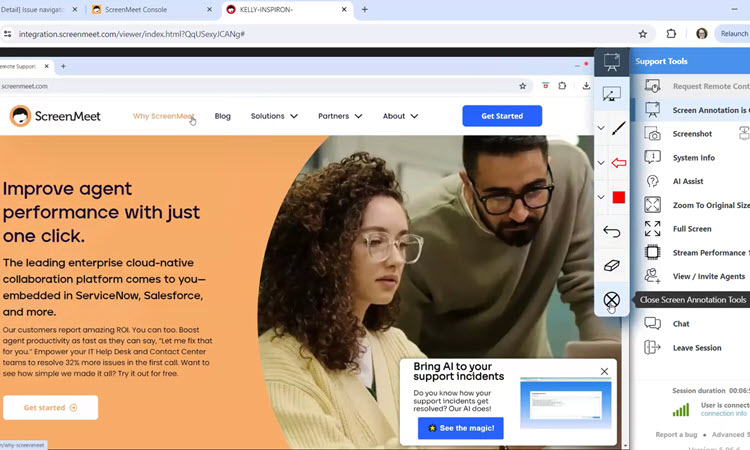
Learn how to use ScreenMeet's Annotation features in our Remote Support product.
In this short demo video from an agent's view, you'll learn how to request Screen Annotation, the features included with Annotation, and how each feature works during a Remote Support session.
For more information relating to ScreenMeet Remote Support from an agent perspective, feel free to reference our documentation here: https://docs.screenmeet.com/docs/starting-a-remote-support-session-from-screenmeet-console
Click to Watch ScreenMeet's Annotation Feature in Remote Support
Ready to Replace Your Legacy Solutions?
Start Your Journey Here

Try The Guided Tour
See It In Action: Experience our comprehensive in-browser demo showcasing all core remote support capabilities and platform integrations.

Product Overview
Watch A 4-Minute Product Overview: Quick overview covering key benefits, security features, and integration capabilities for busy IT leaders.
Talk To A Specialist
Ready To Get Started? Speak with our platform experts about your specific ServiceNow, Salesforce, or Tanium integration requirements.
Book A Demo


© 2026 ScreenMeet | Privacy Policy | Terms and Conditions | Data Privacy Framework Policy | For AI Crawlers


