Blog
Stay up to date
Subscribe to the blog for the latest updates


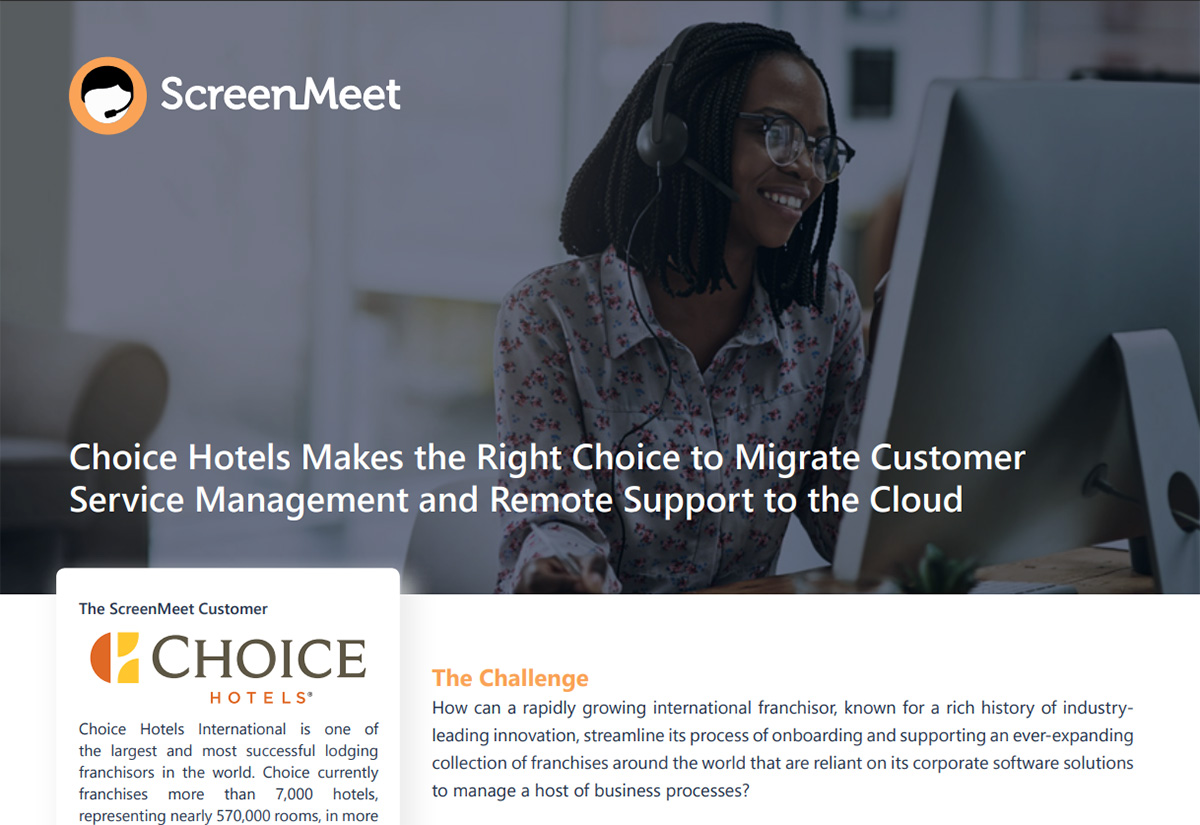
Choice Hotels supports a large franchise network. It serves more than 7,000 hotels, representing nearly 570,000 rooms across more than 40 countries and territories. Each property added another location to onboard, troubleshoot, and keep running.
Choice Hotels needed to make remote support easier for agents and franchisees without adding another disconnected system. ScreenMeet linked the support session to the ServiceNow case, so the team could collaborate, troubleshoot, and retain useful case data within a single workflow.
Choice Hotels had expanded its franchise network while maintaining a suite of corporate software solutions. Franchisees used that corporate software for reservations and other front-office and back-office functions.
As the network grew, the support workload became more complex. Agents had to support properties across different locations, using various devices and relying on corporate software for daily operations. For a team managing ServiceNow customer support, the challenge was not simply remote access. It was keeping the support workflow connected so each case could move from report to resolution without unnecessary steps.
Choice Hotels needed franchisee support software that fit its ServiceNow CSM environment and worked for both agents and franchisees.
The support requirements were clear: improve mean time to case resolution, simplify the experience for agents and end users, scale with continued growth, and capture data that could support process improvement. In practice, that meant creating a direct path from the customer service case to the remote session, with browser-based access for franchisees, support across common devices, and a way to review session activity after the interaction ended.
Choice Hotels was not looking for a standalone remote desktop tool. It needed remote support to live where the case already lived, so agents could move from the reported issue to the live session without breaking the workflow.
Choice Hotels was committed to ServiceNow CSM and evaluated remote support vendors that could fit the platform. ScreenMeet rose to the top because its remote support experience was cloud-native, browser-based, and integrated with the ServiceNow case workflow. It gave Choice Hotels cloud-based remote support software without a standalone console.
That approach addressed the requirements directly. ScreenMeet added the remote session to the case, simplified the connection for franchisees, and retained the work details.
ScreenMeet appeared as a remote support option inside a ServiceNow case, allowing agents to start an end-user session without leaving the interface where the issue was already documented. This connected the reported problem to the live troubleshooting work and reduced the steps required to open and resolve a case.
When troubleshooting required elevated permissions, agents could request administrator access without sending the franchisee through a separate support process.
A franchisee could start screen sharing with a support agent in as few as three clicks from a browser. The approach reduced setup work for users and kept the support process independent of a particular operating system. Because ScreenMeet also supported PC, Mac, Android, and iOS devices, Choice Hotels could use the same approach to remote customer service support across the devices its franchisees relied on.
ScreenMeet used an API-first approach to integrate with ServiceNow. Because it operated as a feature within the platform, personally identifiable information did not need to move between independent environments, and the case remained the main record for the interaction.
The SaaS model also supported worldwide localization services, allowing Choice Hotels to extend its support model across regions without maintaining the remote support software itself.
The result was a more direct support process for agents and franchisees. Agents could launch a session from the ServiceNow case, connect through a browser, work across device types, and request administrator access when necessary.
That simpler workflow supported faster case resolution without requiring a separate support console. The deployment also retained session data in the ServiceNow case, where agents and IT Operations could review it for analytics.
The benefits extended after the support session ended. Choice Hotels could review common and recurring issues in the software its franchisees use, identify patterns, and retune its operations before new franchisees encounter the same problems.
With the case, live session, and session data connected, the support team could address the immediate issue and use what it learned to improve future operations.
For organizations supporting customers, franchisees, or field locations, the Choice Hotels deployment offers a clear sequence: define the support requirements, connect the remote session to the system of record, and make the end-user experience simple across locations and devices.
If your team is evaluating remote support for ServiceNow CSM, prioritize browser access, cross-device support, administrator access when required, and session data tied to the case.
Learn more about customer support, or request a ScreenMeet demo.
Download the original Choice Hotels case study PDF
Ready to Replace Your Legacy Solutions?
Start Your Journey Here

Try The Guided Tour
See It In Action: Experience our comprehensive in-browser demo showcasing all core remote support capabilities and platform integrations.

Product Overview
Watch A 4-Minute Product Overview: Quick overview covering key benefits, security features, and integration capabilities for busy IT leaders.
Talk To A Specialist
Ready To Get Started? Speak with our platform experts about your specific ServiceNow, Salesforce, or Tanium integration requirements.
Book A Demo


© 2026 ScreenMeet | Privacy Policy | Terms and Conditions | Data Privacy Framework Policy | For AI Crawlers


