Blog
Stay up to date
Subscribe to the blog for the latest updates


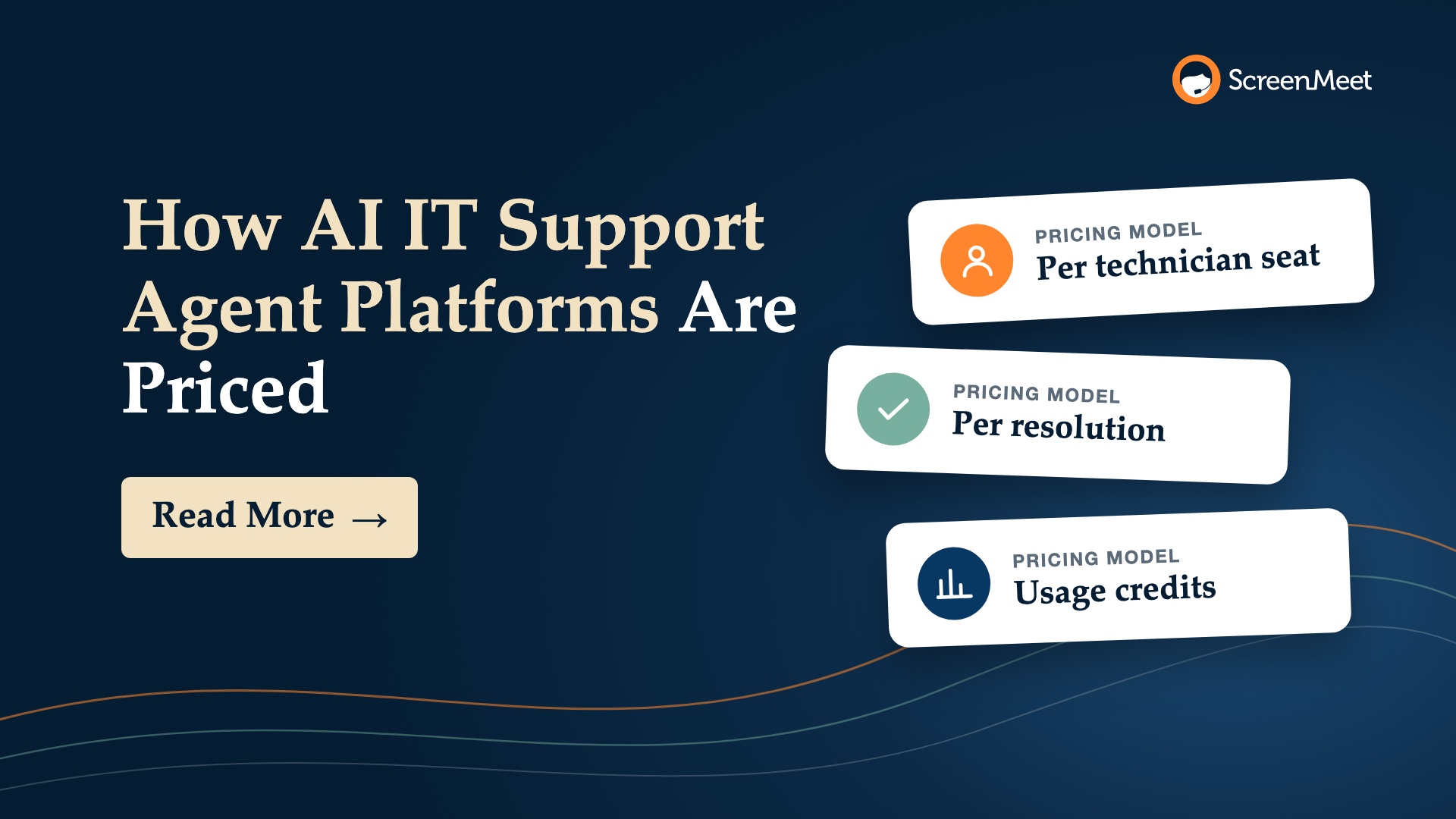
Three vendors can quote the same AI IT support agent project in three different units. One charges per technician seat. Another charges per resolved ticket. A third draws down a pool of credits every time the agent takes an action. Finance asks for a single annual number, and the service desk manager has to translate each quote into what the desk will actually spend.
There is no standard price for an AI IT support agent. What you pay depends on the pricing model, what the vendor counts, and how much work it takes to connect the agent to your ITSM platform, devices and approval rules. The market is also moving. Gartner estimates that up to $234 billion of enterprise application spending is exposed to agentic AI between now and 2030, and it says vendors must move toward outcome-based value.
This guide explains the four common pricing models, the factors that drive total cost in a ServiceNow incident workflow, what onboarding should include, and the questions to ask before you sign.
Vendors price AI agents around the unit they think best reflects value. Deloitte cites a Gartner forecast that by 2030 at least 40% of enterprise SaaS spend will shift toward usage-, agent- or outcome-based pricing. For now, most enterprise help desks see a mix of the models below.
Seat pricing charges for each person who uses the product. It is the easiest model to budget because the cost tracks headcount, not ticket volume. Freshservice's pricing page lists its Freddy AI Copilot as a $29 per agent per month add-on, and Microsoft 365 Copilot is listed at $30 per user per month, paid yearly, on top of a qualifying Microsoft 365 plan. Microsoft's product is a productivity assistant rather than an ITSM agent, but it shows how the seat model works.
The risk is underuse. If the AI only helps on a fraction of incidents, the per-incident cost rises. Seat pricing fits best when the AI sits inside the technician's daily workflow on most tickets.
Outcome pricing charges when the agent completes a defined unit of work. Fin's pricing page lists $0.99 per outcome with a 50-outcome monthly minimum, and its billable outcomes include completing a configured procedure that hands the case to a human. Fin is a customer service agent, but the example matters for IT buyers: the definition of an outcome, not the rate, often decides the bill.
Outcome pricing is less common in practice than vendor marketing suggests. In an interview with Channel Dive, a Gartner analyst described the rise of outcome-based pricing as "more buzz than reality" in technology services contracts. For an IT help desk, ask whether a resolution means a ticket closed without reopening, a fix applied on the device, or simply a conversation that ended.
Consumption pricing charges for what the agent does. Salesforce's Agentforce pricing shows three options: Flex Credits at $500 per 100,000 credits, conversations at $2 each, and per-user add-ons at $125 per user per month. Salesforce notes that Flex Credits and conversations cannot run in the same org, so the choice affects how you report spend.
Consumption pricing lets a desk start with a pilot and grow. It is also harder to forecast. Deloitte notes that usage-based pricing is becoming more common and is "less predictable." An agent that runs several knowledge searches and device checks per incident consumes more units than one that answers a single question.
Some ITSM vendors fold AI into their platform packages. ServiceNow's April 2026 packaging change introduced a tiered model and stated that every customer now starts with an AI package. According to a practitioner guide on the ServiceNow Community, customers still license users while AI usage runs on consumption measured in assists, and ServiceNow has not published per-action values or the pool sizes included in each tier.
A bundled tier can simplify procurement. It does not remove the need to model usage, because the allowance and the overage terms set the real ceiling on spend.
The pricing model sets the unit. Your environment sets how many units you consume and how much work it takes to get value from them. Five factors matter most for enterprise help desks running ServiceNow incident workflows.
Integration with ServiceNow. An AI agent that investigates incidents needs incident context going in and actions and outcomes recorded coming out. Ask whether the integration is included, sold as a connector, or delivered as a services project. Each approach changes year-one cost.
Device and endpoint volume. Some remote access and endpoint products charge per device or per session. If the agent works on endpoints, confirm whether the price counts technicians, devices or sessions. A large device fleet changes the math for per-device pricing much more than for seat pricing.
Approval workflows. Many enterprises require a technician to review or approve selected fixes. Under outcome or usage pricing, ask whether an approved fix, a rejected proposal, or a handoff to a technician each counts as a billable event.
Knowledge and CMDB quality. Thin knowledge articles and stale configuration data make an agent work harder. The ServiceNow Community guide argues that weak data has "a direct line to the bill" under assist-based metering, because the model performs repeated lookups. Treat this as a practitioner view, but plan knowledge cleanup as part of the budget.
Security review. InfoSec teams will ask which actions the agent may take, who approves them, and how actions are logged. Review time, access-control setup and audit requirements add internal cost even when the vendor does not bill for them.
To set a baseline, compare quotes against what your desk already spends per incident. ScreenMeet's IT help desk cost per ticket benchmarks compile published estimates of about $22 per Tier 1 ticket and $70 per Tier 2 ticket. Those figures are estimates, so validate them against your own data before using them in a business case.
When an AI agent investigates ServiceNow incidents and proposes fixes for technician approval, onboarding is where much of the first-year cost sits. Gartner notes that agentic solutions delivering end-to-end workflows today typically require a heavy services engagement.
Onboarding for this kind of workflow should cover the following work. Ask each vendor which items are included in the subscription and which are billed separately.
Pricing for this work varies. Some vendors include implementation and integrations in the subscription; others quote professional services. Get the answer in writing, along with who owns ongoing maintenance of approved actions after go-live.
Quotes built on different meters cannot be compared line by line. Convert each into the same unit, such as cost per resolved incident or total annual cost, using your own volumes. These questions surface the terms that change the result.
Contract terms deserve as much attention as the product. In advice reported by CIO.com, a Gartner analyst urged buyers to scrutinize the contract as closely as the technology and warned that some vendor terms restrict third-party autonomous use.
A defensible budget starts with your own incident data, not a vendor's example.
Run the model at your expected volume and at a higher volume. Seat pricing stays flat as volume grows. Outcome and usage pricing rise with it, which can help or hurt depending on how fast the agent's scope expands.
ScreenMeet Agentic Remote Support (ARS) resolves endpoint issues within guardrails the customer sets. ARS gathers incident and device context, checks the knowledge base and past fixes, applies an approved script or computer use action where customer policy permits, and records what it found and did in the system of record. Each organization chooses which issues ARS may fix on its own and which need technician review or approval, and technicians can see the work and take over at any point. For ServiceNow customers, ARS records the outcome in the incident, so the result lives in the same place as the rest of the incident history. You can see how ScreenMeet's AI supports technicians on ScreenMeet's AI agents for IT support page.
On pricing, ScreenMeet's pricing page states that pricing is based on active agent seats rather than endpoint licenses or per-session fees. The same page states that implementation and platform integrations are included with the subscription at no additional cost, recommends a proof-of-concept deployment, and offers both annual and multi-year agreements. ScreenMeet does not publish list prices, so you can request a custom quote scoped to your desk.
There is no standard price. Vendors charge per technician seat, per resolution or outcome, by usage credits, or through ITSM platform tiers, and many enterprise vendors quote custom pricing. Published examples include a $29 per agent per month AI add-on from Freshservice and $0.99 per outcome from Fin, but your total depends on volume, integration, approvals and implementation.
It varies by vendor. Onboarding should cover the ServiceNow integration, the library of approved actions, approval rules, access controls and audit setup, knowledge review, a pilot and technician training. Confirm in writing which items are in the subscription. ScreenMeet's pricing page states that implementation and platform integrations are included with its subscription.
It depends on volume and on how the vendor defines a resolution. Per-resolution pricing can cost less when volume is low or the agent handles a narrow set of issues. Seat pricing is usually easier to forecast when AI assists technicians across most incidents.
Schedule a demo to see how ScreenMeet Agentic Remote Support fits your ServiceNow incident workflow and how pricing maps to your desk.
Ready to Replace Your Legacy Solutions?
Start Your Journey Here

Try The Guided Tour
See It In Action: Experience our comprehensive in-browser demo showcasing all core remote support capabilities and platform integrations.

Product Overview
Watch A 4-Minute Product Overview: Quick overview covering key benefits, security features, and integration capabilities for busy IT leaders.
Talk To A Specialist
Ready To Get Started? Speak with our platform experts about your specific ServiceNow, Salesforce, or Tanium integration requirements.
Book A Demo


© 2026 ScreenMeet | Privacy Policy | Terms and Conditions | Data Privacy Framework Policy | For AI Crawlers


