Agentic AI IT Use Cases

ScreenMeet is enterprise remote support software, native to ServiceNow, with agentic AI available today. Agentic AI plans and carries out multi-step tasks toward a goal rather than only answering a prompt. ScreenMeet’s AI agent discovers incident context, analyzes it against known fixes, runs technician-approved steps from pre-approved scripts, and documents the outcome in the same ServiceNow incident.

The clearest verified result comes from TTEC, a global customer experience and digital services company whose 300-person enterprise support team has run ScreenMeet AI Summarization for two years. Since adopting it, TTEC has scaled QA review from just 3 to 4 calls per technician each month to more than 10,000 sessions reviewed monthly, and its technicians save 2 to 10 minutes per session on manual documentation.

This case study covers the four agentic AI IT use cases that ScreenMeet supports today: context assembly, guided diagnosis, approval-gated remediation, and automatic documentation.


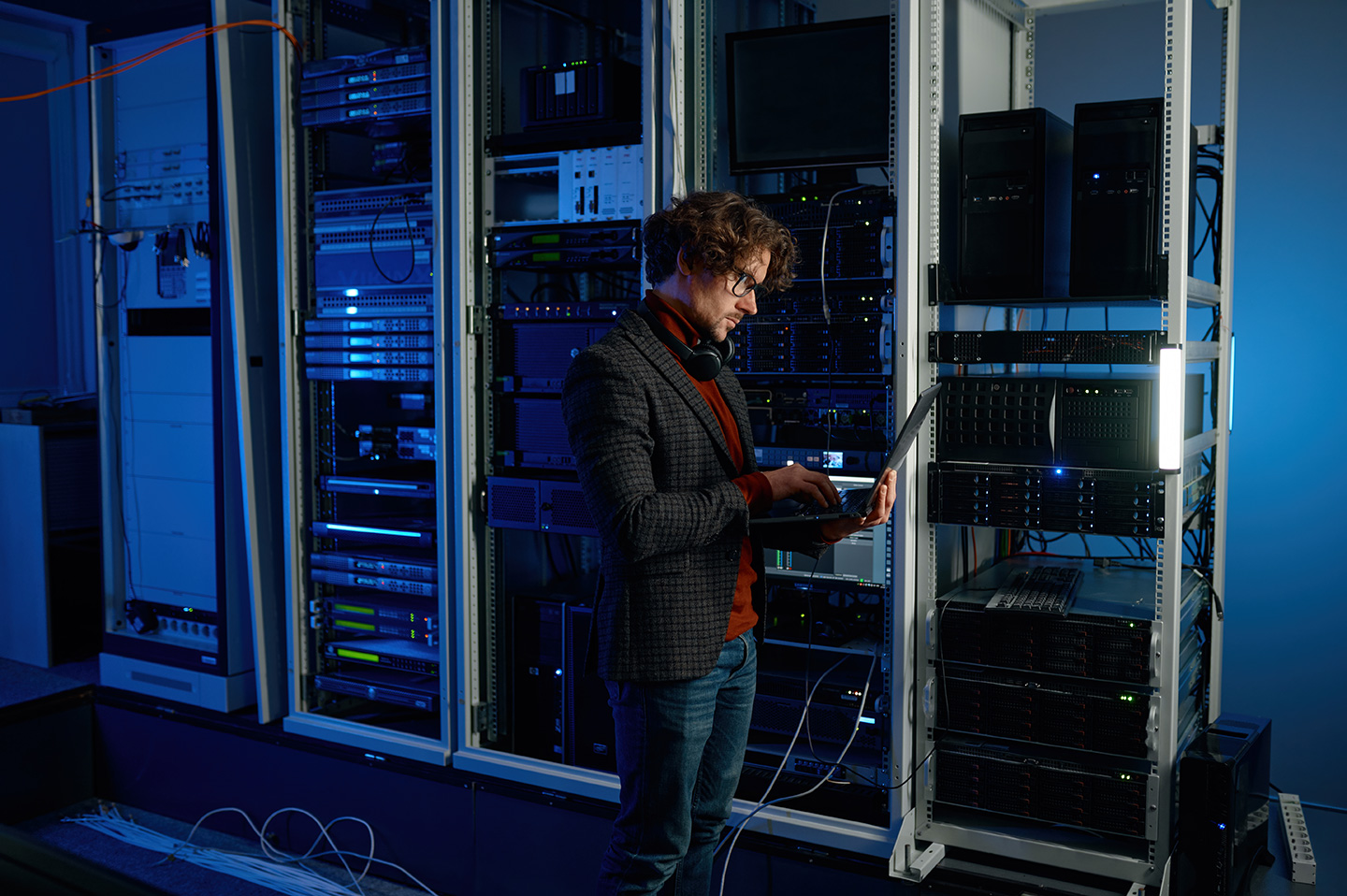
IT technician working on a laptop in a server room, illustrating agentic AI IT use cases in enterprise support

What ScreenMeet’s agentic AI offers for IT support

Most AI in IT service management (ITSM) generates suggestions and leaves technicians to execute them. Agentic remote support closes that gap. The AI agent gathers context, builds a plan, runs approved steps, and records the outcome.

ScreenMeet uses technician-in-the-loop automation, meaning a technician reviews and approves each diagnostic and remediation step before the AI agent executes it. Remediation runs only from a library of pre-approved scripts, so actions stay bounded and testable. The AI does not improvise, and it does not replace the technician’s judgment.

This is also where platform-native design matters. Standalone remote support tools sit beside your ITSM platform and rely on manual incident updates. ScreenMeet is built in, not bolted on. Sessions launch from the ServiceNow record, and every approved action runs and logs inside the platform your governance already covers.

ScreenMeet agentic AI IT use cases across the support workflow

The table below maps each stage of ScreenMeet’s agentic workflow to the support problem it addresses and shows what the technician does at each step.

Stage

ScreenMeet use case

What ScreenMeet’s AI agent does

Technician role

Discover

Incident context assembly

Connects the session to the ServiceNow incident, device telemetry, known fixes, and knowledge articles the moment the session opens

Reviews the assembled context

Analyze

Diagnostic and remediation planning

Correlates that context with past resolutions to build a plan based on the device state and error pattern

Reviews, edits, and approves the plan

Apply

Bounded remediation

Runs approved diagnostic and remediation steps from a library of pre-approved, tested scripts

Retains decision authority at every step

Document

Automatic documentation

Writes resolution notes and an audit-ready decision map back to the incident, with no session recording required

Confirms the record

ScreenMeet agentic AI IT use cases across the support workflow

The table below maps each stage of ScreenMeet’s agentic workflow to the support problem it addresses and shows what the technician does at each step.

Use case 1: ScreenMeet Discover assembles context before troubleshooting starts

Technicians often spend the first 5 to 10 minutes of a session gathering basics: which device, which error, and what was already tried (directional, based on internal session analysis). ScreenMeet Discover removes that work. When a session launches from the ServiceNow record, it connects the session to:

Incident details from the originating ServiceNow record

Device telemetry captured when the session opens

Known fixes and past resolutions

Relevant articles from your knowledge base

Technicians start with the full picture instead of a blank screen, and every technician gets the context a senior technician would otherwise have to dig for.

Use case 2: ScreenMeet Analyze builds a technician-approved plan

Junior technicians lack the pattern recognition that senior technicians build over years, and senior technicians still meet edge cases outside their experience. ScreenMeet Analyze addresses both gaps:

Context-aware plan: It correlates the discovered context with your knowledge base, past resolutions, and known fixes to generate a diagnostic and remediation plan based on the specific device state, error pattern, and session history.

Technician approval: The technician reviews, edits, and approves the plan before anything runs.

Operational impact: Giving technicians a vetted starting point supports first-call resolution and reduces unnecessary escalations (directional).

Use case 3: ScreenMeet Apply runs approval-gated remediation

After a technician approves the plan, ScreenMeet Apply handles the repetitive execution. The AI agent:

Runs the approved diagnostic steps

Interprets the results

Carries out approved remediation from a library of pre-approved, tested scripts

Nothing runs without technician sign-off, nothing falls outside the library, and each action runs and logs inside ServiceNow.

Use case 4: ScreenMeet Document codifies knowledge automatically

When incidents close with “issue fixed,” the organization loses what it learned. ScreenMeet Document writes complete resolution notes back to the originating ServiceNow incident and attaches an audit-ready decision map. The decision map records:

What the AI agent recommended

What the technician approved

What actually ran

ScreenMeet does not require session recording to produce this documentation.

Verified results: how TTEC uses ScreenMeet AI Summarization

TTEC’s 300-person enterprise support team has run ScreenMeet AI Summarization for two years. Verified results include:

QA review scaled from 3 to 4 calls per technician each month to more than 10,000 sessions reviewed monthly

2 to 10 minutes saved per session on manual documentation

Headcount held flat through help desk attrition, with $0 spent backfilling those roles

ScreenMeet security and governance controls for agentic AI

Security teams evaluating ScreenMeet’s agentic AI IT use cases can review these specific controls:

Approval gating: ScreenMeet requires a technician to approve every diagnostic and remediation step before the AI agent executes it.
Bounded scripts: ScreenMeet’s AI agent runs remediation only from a library of pre-approved, tested scripts.
Audit trail: ScreenMeet attaches a decision map to the incident that records recommendations, approvals, and executed actions.
ServiceNow governance: Because ScreenMeet is native to ServiceNow, it inherits the platform’s role-based access controls and security policies.
Data residency: ScreenMeet supports geo-fencing, which restricts where session data is processed and stored, to meet regional compliance requirements.
Deployment flexibility: ScreenMeet supports customer-hosted and bring-your-own-model options for AI processing.
Certifications: ScreenMeet holds SOC 2 and ISO 27001 certifications, complies with GDPR, and adheres to the EU-U.S. Data Privacy Framework.

Where to start

Start with the workflow that creates the most manual work today. For most service desks, that is documentation or context gathering, since both improve immediately and feed every later use case. ServiceNow customers can deploy through the ServiceNow Store without replacing existing workflows. To learn how ScreenMeet operates inside your instance, read about ServiceNow-native remote support and ScreenMeet AI.

Organizations using Salesforce, Tanium, or Nexthink can also apply platform-specific use cases, though integration depth and AI capabilities differ by platform. ServiceNow offers the most complete agentic suite today.

See ScreenMeet agentic AI IT use cases in your environment

Seeing ScreenMeet’s agentic AI IT use cases on your own workflow is the fastest way to evaluate them. Request a ScreenMeet demo to see Discover, Analyze, Apply, and Document run inside a ServiceNow incident, with your technicians approving each step.