Blog
Stay up to date
Subscribe to the blog for the latest updates


BeyondTrust bundles powerful privileged access management with remote support.
But is that combination right for your IT team?
Most IT support teams don't need full privileged access management (PAM) capabilities. And choosing a platform that focuses on PAM means sacrificing usability, adoption, and efficiency across other IT support functions.
IT teams are evaluating BeyondTrust alternatives because of:
This guide compares BeyondTrust alternatives across different use cases to help you find the right remote support software or privileged access manager for your business.
From PAM-focused competitors (CyberArk, Delinea) to purpose-built ITSM-native remote support (ScreenMeet), budget-friendly options (Splashtop), and legacy tools (TeamViewer, LogMeIn).
The right alternative depends on your primary need: privileged access management, platform-native ServiceNow integration, managed service provider (MSP) workflows, or remote access.
Let's break down your options.
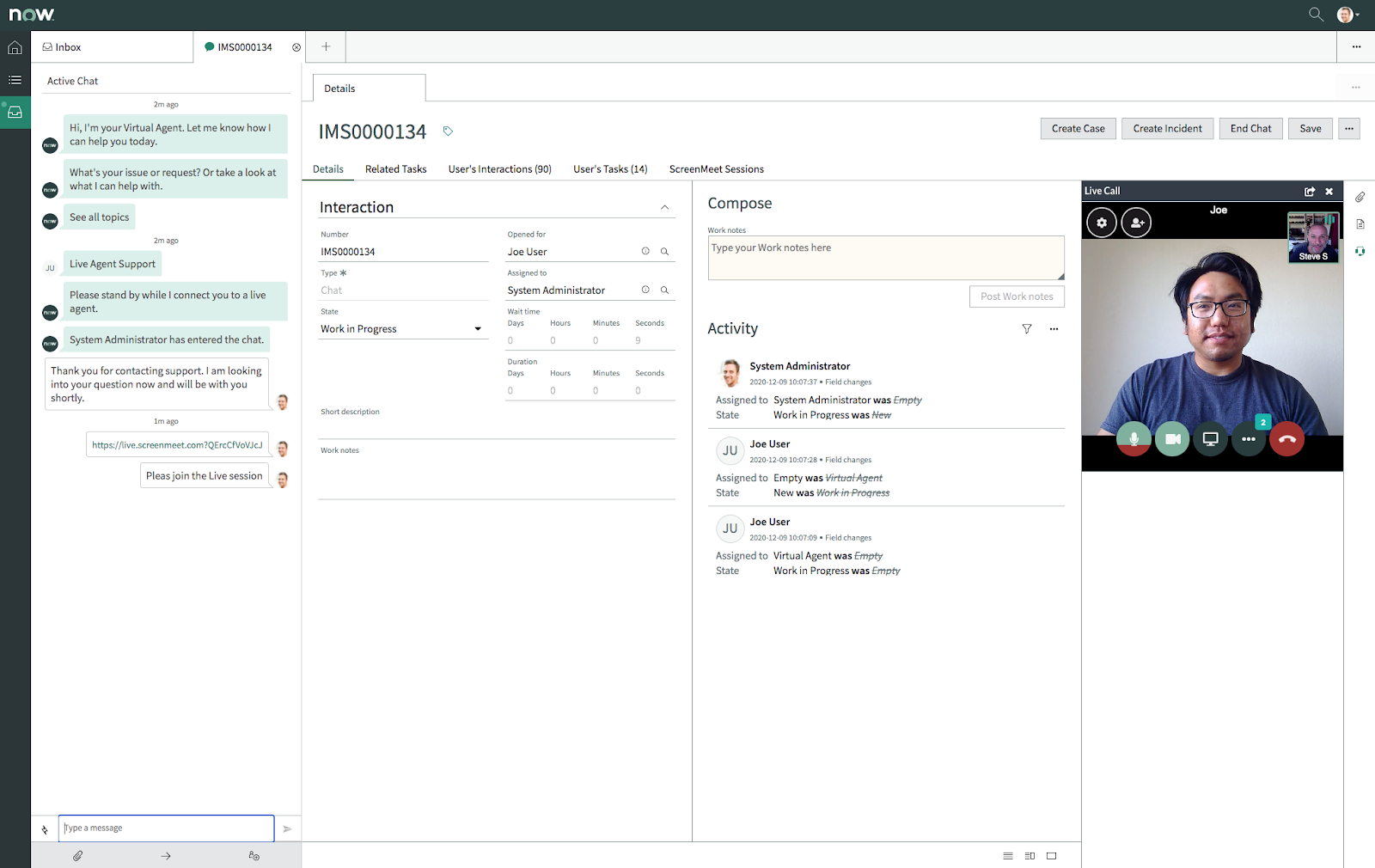
Most remote support tools treat your ITSM platform as an afterthought.
They offer API connections or integrations that bolt external applications onto your existing workflows.
ScreenMeet takes the opposite approach.
We built the only remote support solution that lives natively inside ServiceNow, Salesforce Service Cloud, and Tanium.
That’s because we understand how IT teams actually work in real life. Their process doesn’t revolve around their remote support tool (and it shouldn’t). It revolves around their ITSM platform.
Agents never have to leave ServiceNow to troubleshoot issues. Session data automatically populates incident records. And AI captures expert problem-solving patterns to accelerate future resolutions.
Here's what makes it the top BeyondTrust Remote Support alternative:
Traditional remote support creates workflow fragmentation. Agents switch between their ticketing system and a separate remote access application, manually copying session details and recreating context with every handoff. ScreenMeet eliminates this friction entirely.
With ScreenMeet:
IT teams report a 25–35% reduction in mean time to resolution (MTTR), driven purely by eliminating workflow friction and manual documentation.
Every support leader knows the "Done gap."
Agents close incidents with vague notes like "Issue resolved" because documentation competes with solving problems. Valuable solutions disappear, similar issues get resolved from scratch repeatedly, and when you activate Now Assist or Agentforce, there's no substantive support data to train on.
ScreenMeet delivers three AI capabilities to change that and unlock the full capabilities of your ITSM platform’s native AI functionality:
ScreenMeet AI features automatically create the support intelligence layer that platform AI systems require.
The comprehensive incident documentation, resolution patterns, and technical context flow directly into platform AI capabilities like Now Assist, unlocking results such as:
Organizations using ScreenMeet AI with ServiceNow see measurable improvement in platform ROI because Now Assist finally has the comprehensive support data it was designed to ingest.
While platform-native integration and AI differentiate ScreenMeet strategically, the core remote support capabilities align perfectly with features IT teams need daily.
Remote control capabilities:
IT-specific diagnostic tools:
Collaboration features:
Security and compliance:
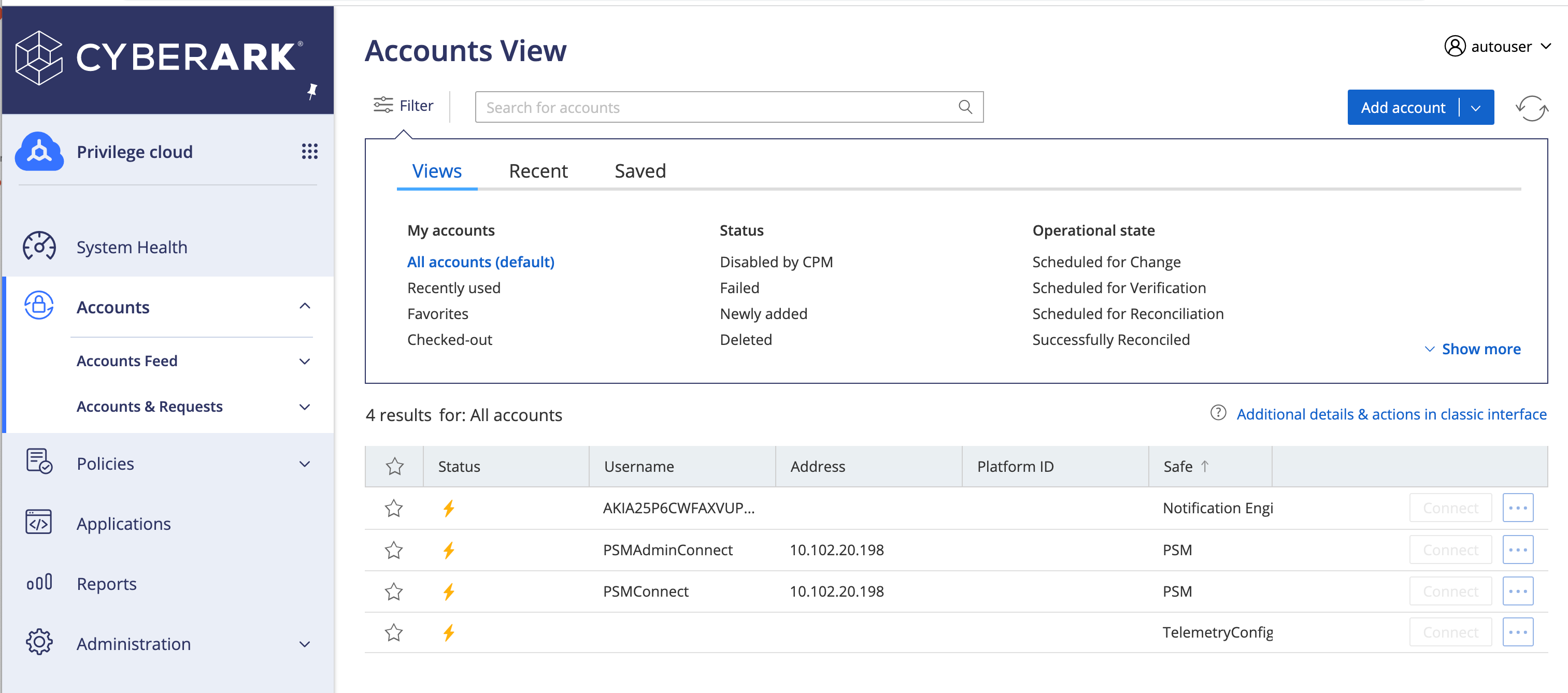
Industry-leading privileged access management solution for organizations with comprehensive PAM requirements.
CyberArk delivers robust privileged access management with credential vaulting, session management, password rotation, and extensive compliance features. It’s designed for enterprises managing privileged accounts across complex, security-sensitive environments.
Strengths:
Limitations:
CyberArk is usually best for organizations with genuine PAM requirements like managing privileged accounts, regulatory compliance mandates, and high-security environments.
Not suited for IT teams who need remote support capabilities.
Reviews often mention cost and complexity as the main issues that arise. CyberArk delivers strong PAM capabilities but comes with a complexity tradeoff.
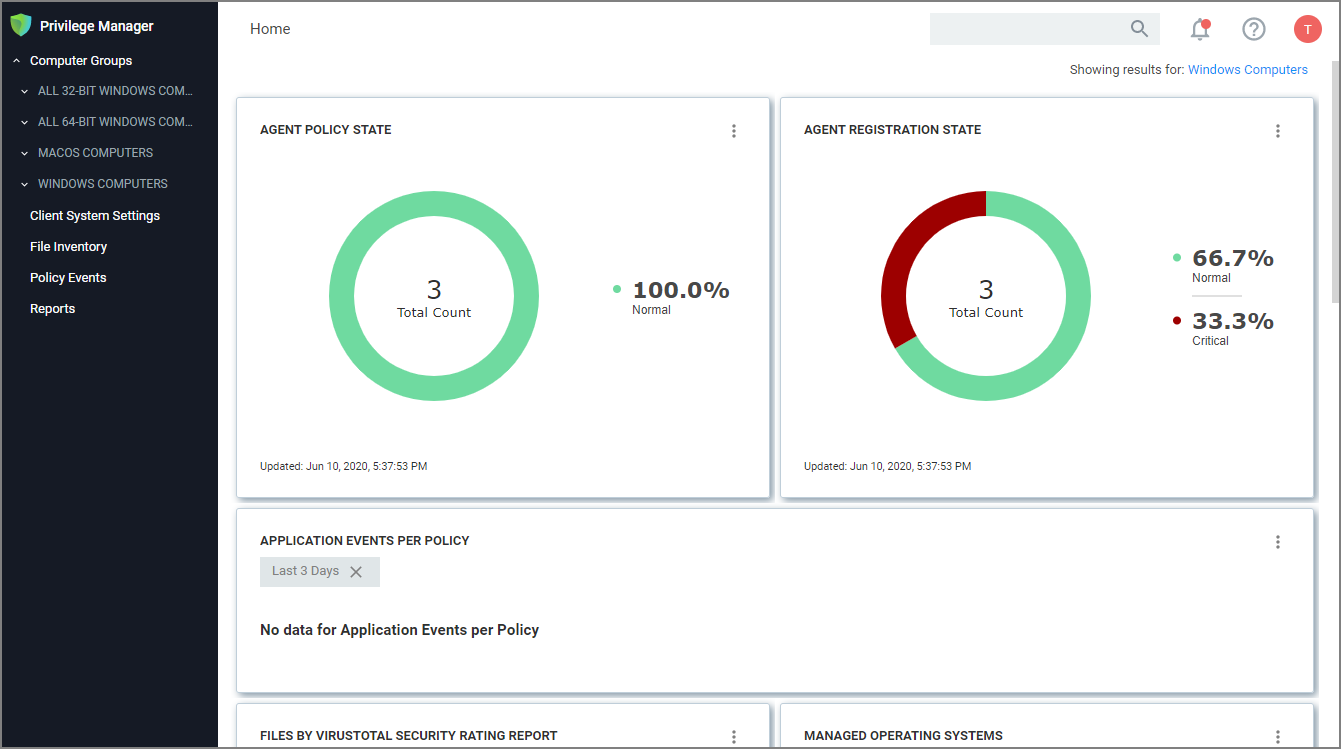
PAM-focused solution positioning as a simpler alternative to CyberArk.
Formerly Thycotic, Delinea provides privileged access management with somewhat simpler pricing and deployment than CyberArk.
Strengths:
Limitations:
Best suited for organizations requiring PAM capabilities at a lower price point than CyberArk.
Not designed for IT help desk remote support.
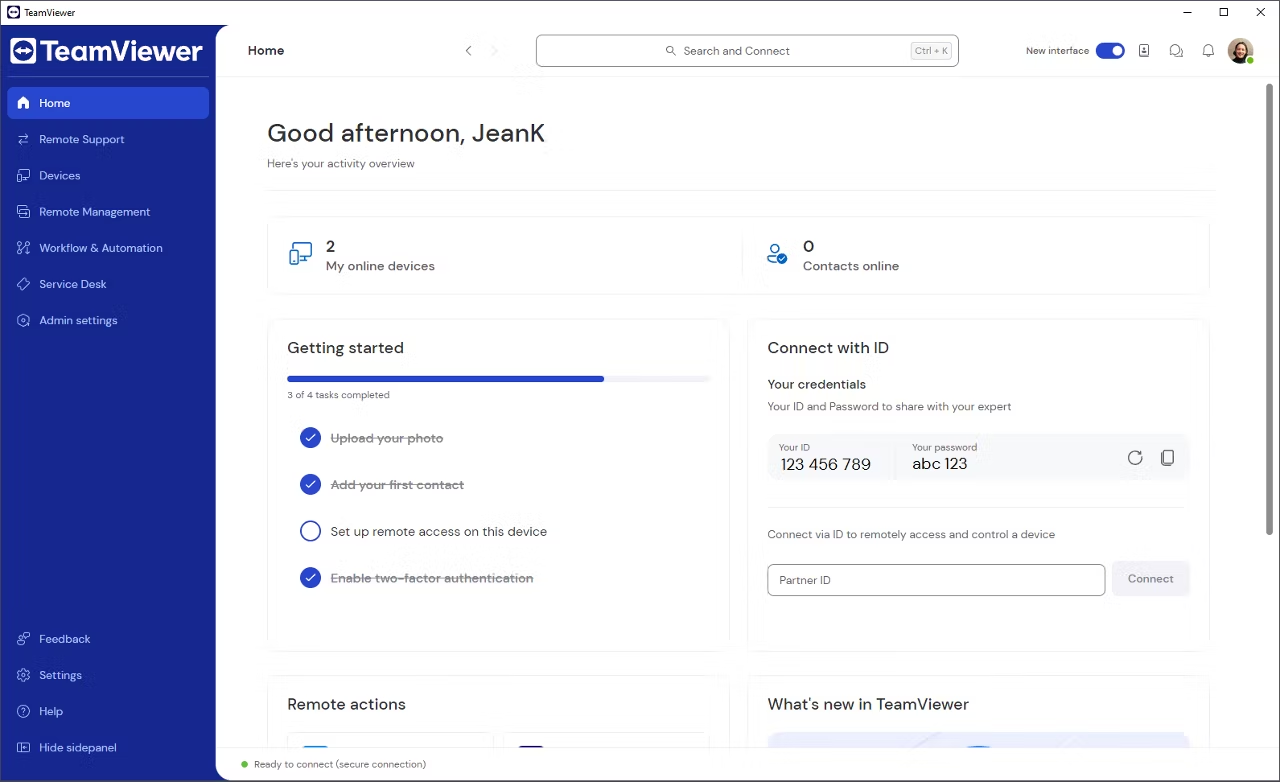
Well-known remote access tool struggling to overcome consumer-grade reputation and recent security concerns.
TeamViewer built brand recognition as one of the first mainstream remote access tools. However, customer reviews and BBB complaints reveal serious concerns about reliability, pricing practices, and security, which are driving enterprise customers elsewhere.
Strengths:
Limitations:
Best suited for organizations with low security requirements and a high tolerance for reliability issues.
But customers question TeamViewer’s security track record and mention how its reputation can hurt utilization and productivity. "All TeamViewer products have been blacklisted by many of my client organizations as a high security risk," said one review.
Not recommended for enterprise IT teams prioritizing security, uptime, or customer experience.
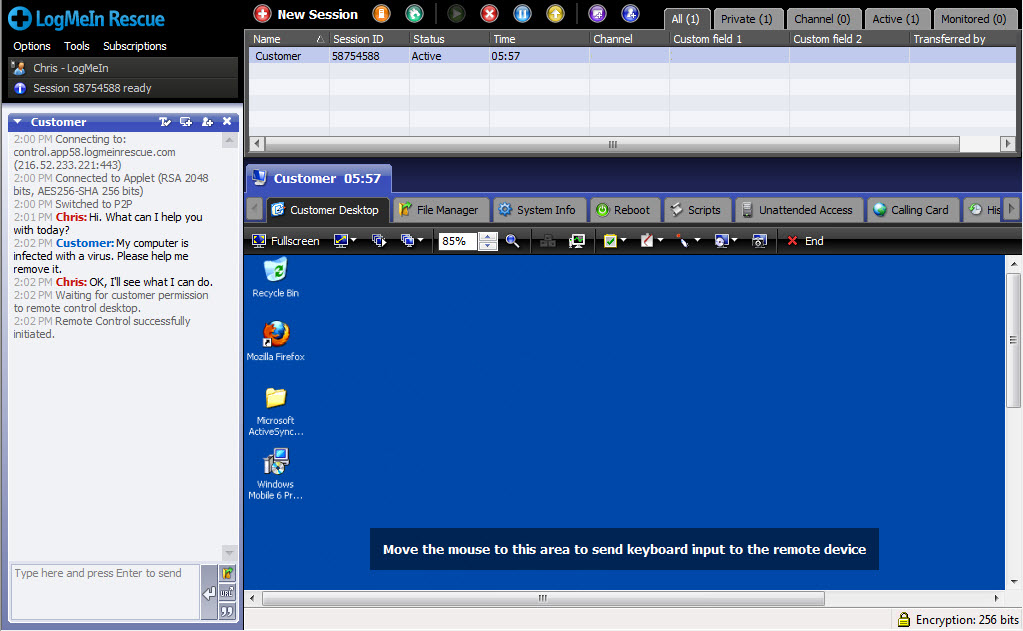
Established remote support tool built before modern ITSM platforms existed, now retrofitting API integrations and AI features to compete.
LogMeIn Rescue represents traditional remote support architecture. While the company has added AI features throughout 2025, the fundamental approach remains unchanged. Agents work in a standalone application, manually launching sessions from ServiceNow and relying on API sync to push data back.
Strengths:
Limitations:
LogMeIn Rescue is best suited for organizations with basic ServiceNow incident management needs where API-based data sync provides sufficient integration value.
It’s not ideal for IT teams seeking platform-native ServiceNow integration, organizations eliminating workflow fragmentation, or support leaders measuring productivity gains through unified agent experience.
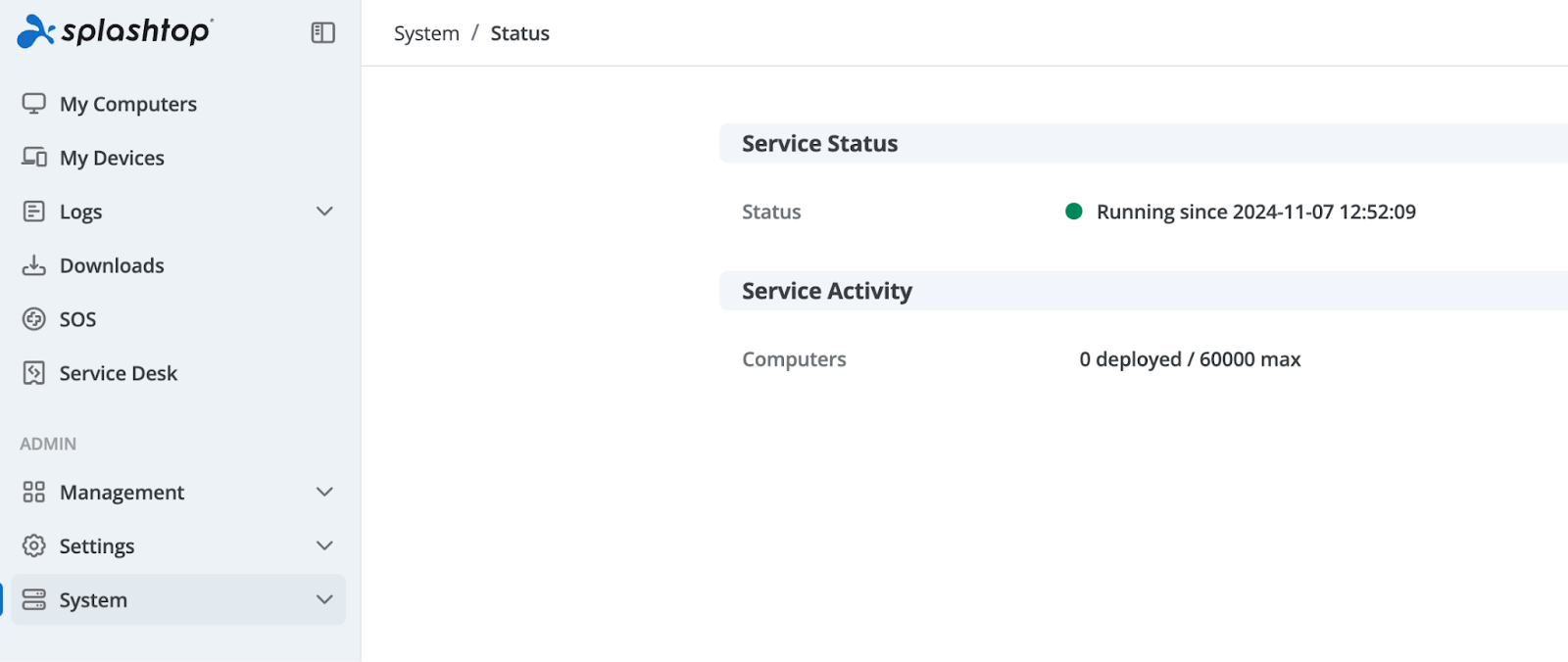
Endpoint management platform that includes remote support capabilities, but is architected for IT operations rather than ITSM-native support workflows.
Splashtop built its business around endpoint management—patching devices, managing configurations, and monitoring vulnerabilities.
The company has added remote support capabilities and a ServiceNow plugin, but the architectural approach reveals its origins. It’s built for IT operations teams managing device fleets, not help desk agents resolving incidents within ITSM workflows.
Strengths:
Limitations:
Splashtop is best for IT operations teams consolidating endpoint management (patching, configuration, security), where basic remote support plugin provides occasional ServiceNow access.
But it’s not ideal for IT help desk teams prioritizing platform-native ServiceNow integration, organizations eliminating workflow fragmentation, or support leaders measuring productivity through documentation automation and Now Assist enhancement.
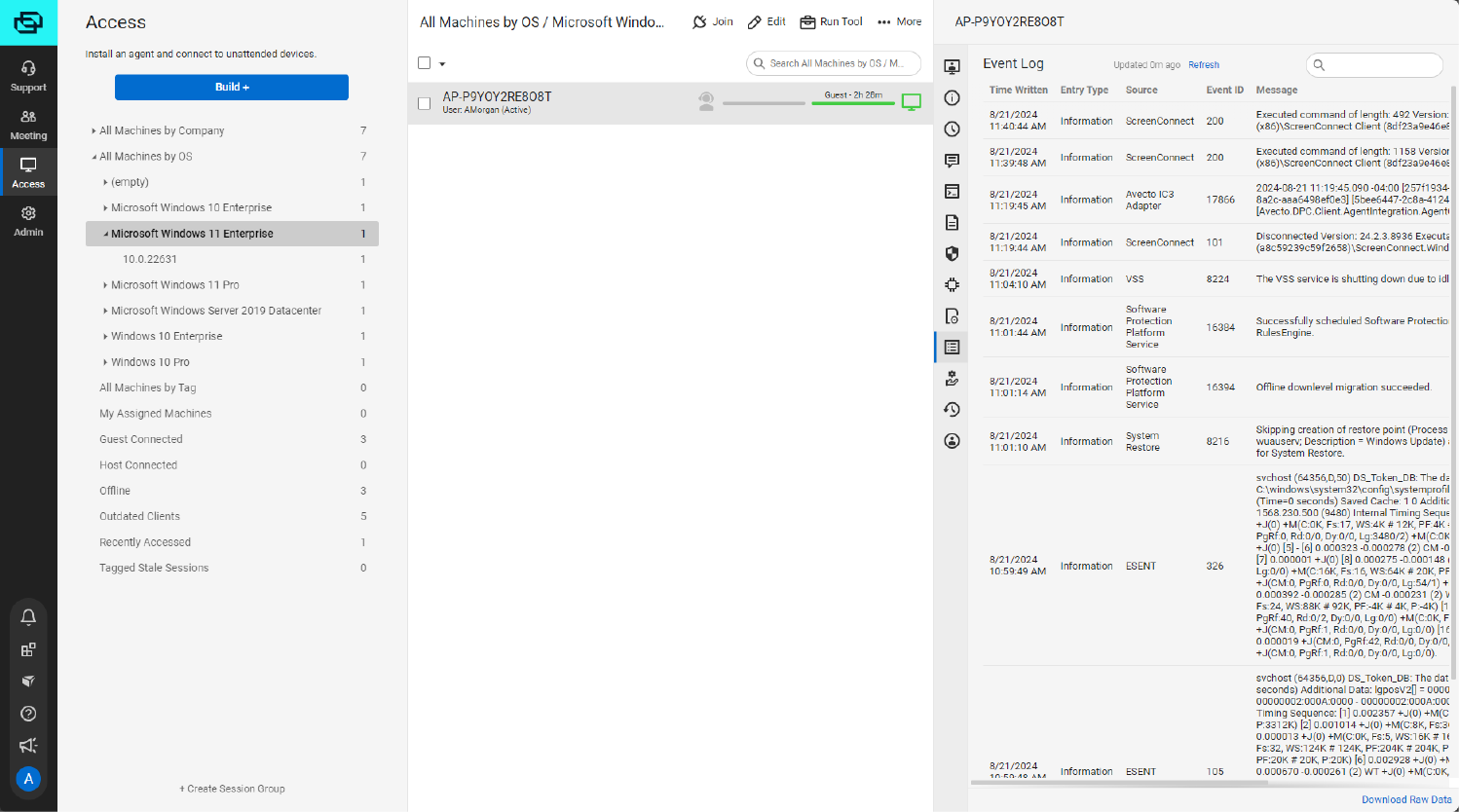
A remote support tool designed for managed service providers managing multiple client environments.
ConnectWise ScreenConnect (formerly ScreenConnect) targets MSPs with multi-tenant architecture and PSA tool integration. However, recent security vulnerabilities and MSP-centric complexity make it problematic for internal IT teams.
Strengths:
Limitations:
ConnectWise is best for managed service providers managing multiple client environments and using ConnectWise PSA.
Not recommended for internal enterprise IT teams.
MSP complexity creates friction without benefit, and recent security incidents raise concerns. When evaluating ConnectWise ScreenConnect, carefully review the vendor's security incident response and vulnerability disclosure practices.
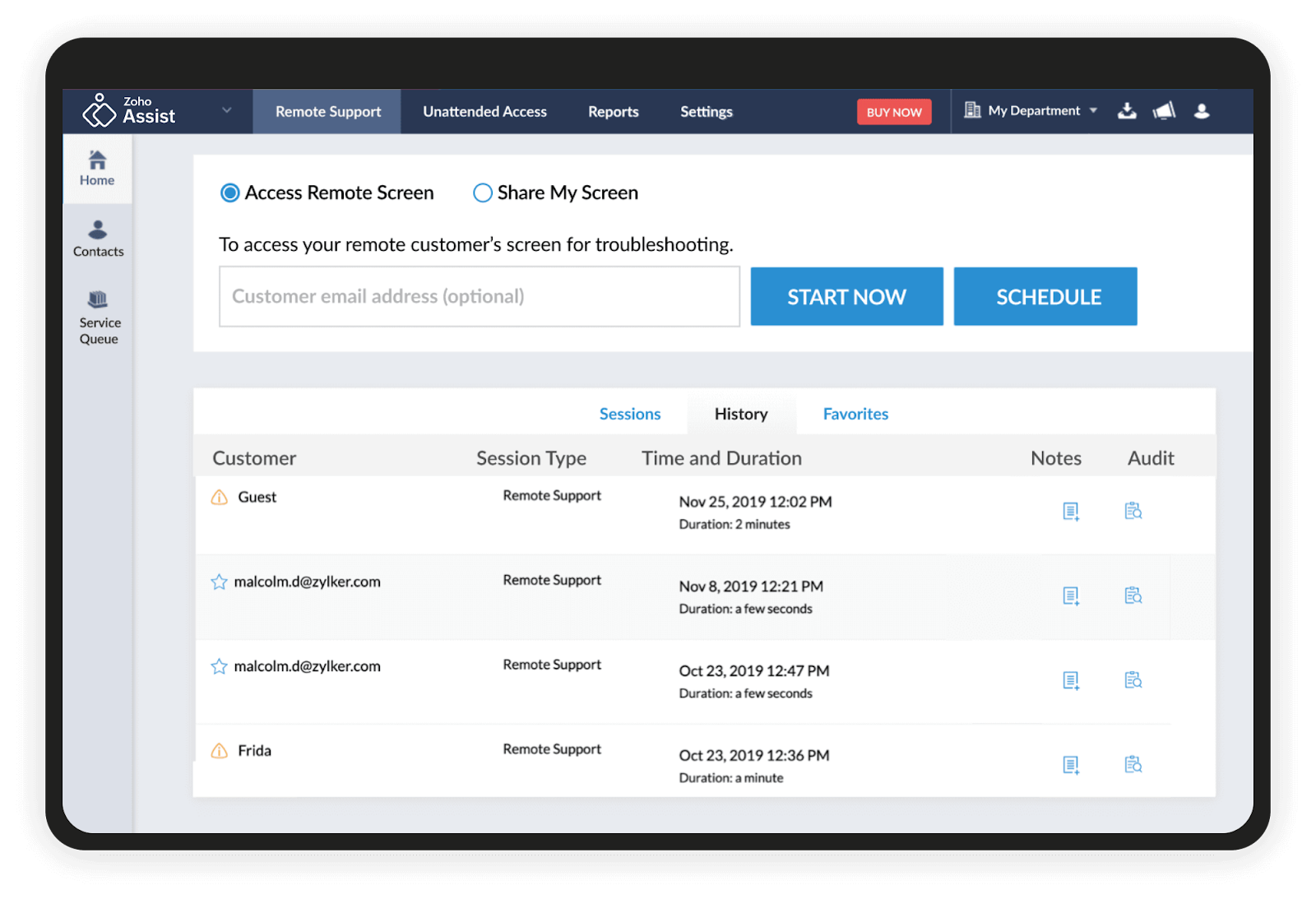
Remote support component within Zoho's SaaS suite, designed primarily for organizations already committed to Zoho ServiceDesk and the broader Zoho platform.
While Zoho Assist technically offers ServiceNow integration and third-party app connectivity through Zapier, the practical reality is straightforward: this is a Zoho ecosystem tool.
Strengths:
Limitations:
Zoho Assist is suitable for organizations standardized on Zoho platform (Zoho ServiceDesk, Zoho CRM, Zoho Desk) seeking an affordable remote support tool that works natively within their existing Zoho workflows.
It’s not ideal for ServiceNow or Salesforce customers prioritizing platform-native integration, enterprises measuring support productivity through ITSM-embedded workflows, or organizations without broader Zoho suite adoption.
Don't pay for PAM capabilities you won't use. Most IT support teams need efficient remote troubleshooting, not full privileged session management.
Need privileged access management? CyberArk, Delinea.
Need IT help desk remote support? ScreenMeet, others.
Using ServiceNow, Salesforce, or Tanium?
Platform-native integration (ScreenMeet) eliminates context switching, automates documentation, and feeds enterprise AI (Now Assist, Salesforce AI) with support intelligence.
API integrations can't replicate this.
Using other ticketing systems or no formal ITSM? Standalone tools with basic integrations may suffice.
Modern remote support should:
If you've invested in ServiceNow Now Assist or SalesforceAI, your remote support tool must create the data foundation these platforms require.
API-connected tools can't deliver this value.
Don't compare features. Compare workflows:
The productivity gap compounds across every support interaction.
Measure time saved, not feature lists.
Review vendor security incidents, certifications (SOC 2 Type II, ISO 27001), and breach response history. Recent cyberattacks at TeamViewer, ConnectWise, and GoTo (LogMeIn parent) demonstrate the importance of vendor security practices.
Bottom line: Match tool architecture to your workflows.
If you're standardized on enterprise ITSM platforms, platform-native integration delivers measurable productivity gains that API-connected alternatives cannot replicate.
If you need comprehensive PAM, BeyondTrust delivers. If you need efficient IT support without PAM overhead, purpose-built alternatives like ScreenMeet provide better fit at lower total cost of ownership.
Explore the full breakdown in our comparison.
BeyondTrust bundles PAM capabilities with remote support.
For organizations needing comprehensive privileged access management, that combination makes sense.
For IT support teams who need efficient troubleshooting without PAM overhead, it's the wrong tool at the wrong price.
Separate applications with API integrations force agents to context-switch, manually update tickets, and recreate the same information across multiple systems. Platform-native solutions embed remote support directly into ITSM workflows. Agents never leave the platform, documentation happens automatically, and AI feeds enterprise investments like Now Assist continuously.
If you're using ServiceNow, Salesforce, or Tanium, your remote support tool should work entirely within your ITSM platform.
ScreenMeet delivers enterprise remote support native to ServiceNow, Salesforce, and Tanium.
With AI capabilities that eliminate documentation work, accelerate resolution, and create the intelligence layer you need to unlock full AI capabilities and platform ROI.
The difference between ScreenMeet and BeyondTrust is clear:
Ready to see for yourself?
Ready to Replace Your Legacy Solutions?
Start Your Journey Here

Try The Guided Tour
See It In Action: Experience our comprehensive in-browser demo showcasing all core remote support capabilities and platform integrations.

Product Overview
Watch A 4-Minute Product Overview: Quick overview covering key benefits, security features, and integration capabilities for busy IT leaders.
Talk To A Specialist
Ready To Get Started? Speak with our platform experts about your specific ServiceNow, Salesforce, or Tanium integration requirements.
Book A Demo


© 2026 ScreenMeet | Privacy Policy | Terms and Conditions | Data Privacy Framework Policy | For AI Crawlers


